Windows Firewall Rules
The TurboDyne applications and services communicate between each other via network sockets.
The Installer can automatically create the Firewall Rules.
They will be named :
- TurboDyne Build Accelerator Scheduler Inbound
- TurboDyne Build Accelerator Scheduler Outbound
- TurboDyne Build Accelerator Agent Inbound
- TurboDyne Build Accelerator Agent Outbound
They will allow traffic to/from RemoteAddresses of LocalSubnet. If you intend for the TurboDyne Build Cluster to span subnets then this will need to be manually adjusted.
These rules are best viewed in the Windows Defender Firewall with Advanced Security (accessible from Windows Start Menu).
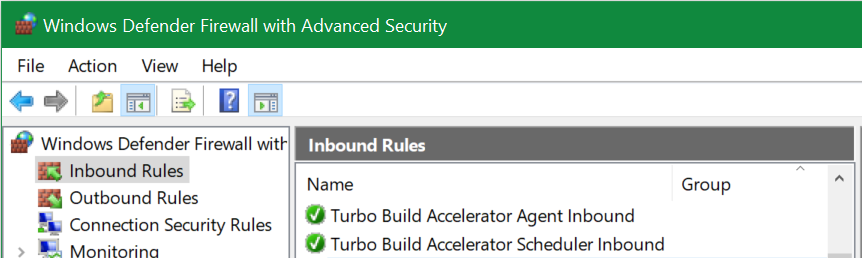
Uninstalling TurboDyne will remove the created rules.